


 1 250

 48


















 AdamLevel 3
 LinaLevel 2



 1

 5

 6








 36



Maths
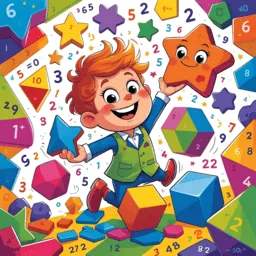
Numbers, operations, shapes and logic.
School lessons, 15+ learning games and real rewards — in Arabic, French, English, German and Amazigh. The app kids ask for, and parents trust.


Every child gets their own space, then picks a game, a lesson or a challenge.
Each child taps their profile and continues their own adventure.
72 levels across 6 magical worlds to unlock one by one.
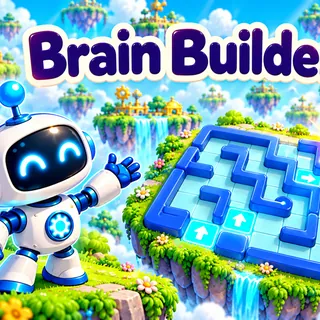
Arrange arrows to guide the robot — first steps in coding.
Rebuild beautiful Moroccan places and friendly animals.
Short, playful lessons that follow the Moroccan school program — so every minute on screen is a minute well spent.
Numbers, operations, shapes and logic.

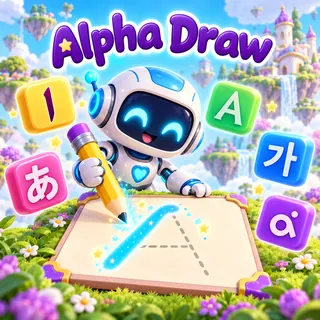
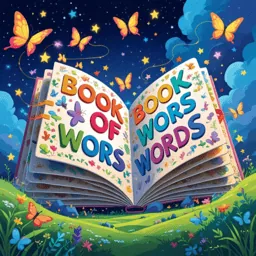
Reading, vocabulary and handwriting.

Letters, words, stories and tracing.

Values, duas and Quran, gently explained.

Nature, the body, space and experiments.

How computers work, logic and first coding.

Piano, painting and colouring for little artists.
Arabic, French, English, German and Amazigh.
Every game trains a real skill — logic, memory, spelling, listening or creativity.




Every lesson and game moves the bar forward.
Small goals every day, big trophies to collect.
Kids build a profile they're proud of.
See what your child learns, decide how long they play, and celebrate together.
Settings, purchases and outside links sit behind a check little ones can't pass.

Time spent, lessons per subject, strengths and what to practise.
Daily limit, quiet hours for night and school, and break reminders.
Turn sections on or off, set the school level and focus subjects.
A beautiful summary card to keep or share with family on WhatsApp.
Set a real-life reward — your child sees it as a quest.
Each child picks their profile and keeps their own progress.
Yes, MoorTaalim is free to download. Many games are open from the start and others unlock with stars and gold your child earns by learning.
It is designed for children from about 5 to 12 years old — from first steps in reading and counting up to the end of primary school.
The app works in Arabic, French, English, German and Amazigh. You can choose the app language and the learning language separately.
Yes. Up to 4 children can have their own profile on one device, each with their own progress, rewards and avatar.
Open the Parents Space, pass the adult check, then set a daily limit, quiet hours and break reminders in the Time tab.
You can ask for your data to be deleted at any time. Account deletion · Privacy policy

Free on Android and iPhone. Just 15 minutes a day makes a real difference.